


Mimaki
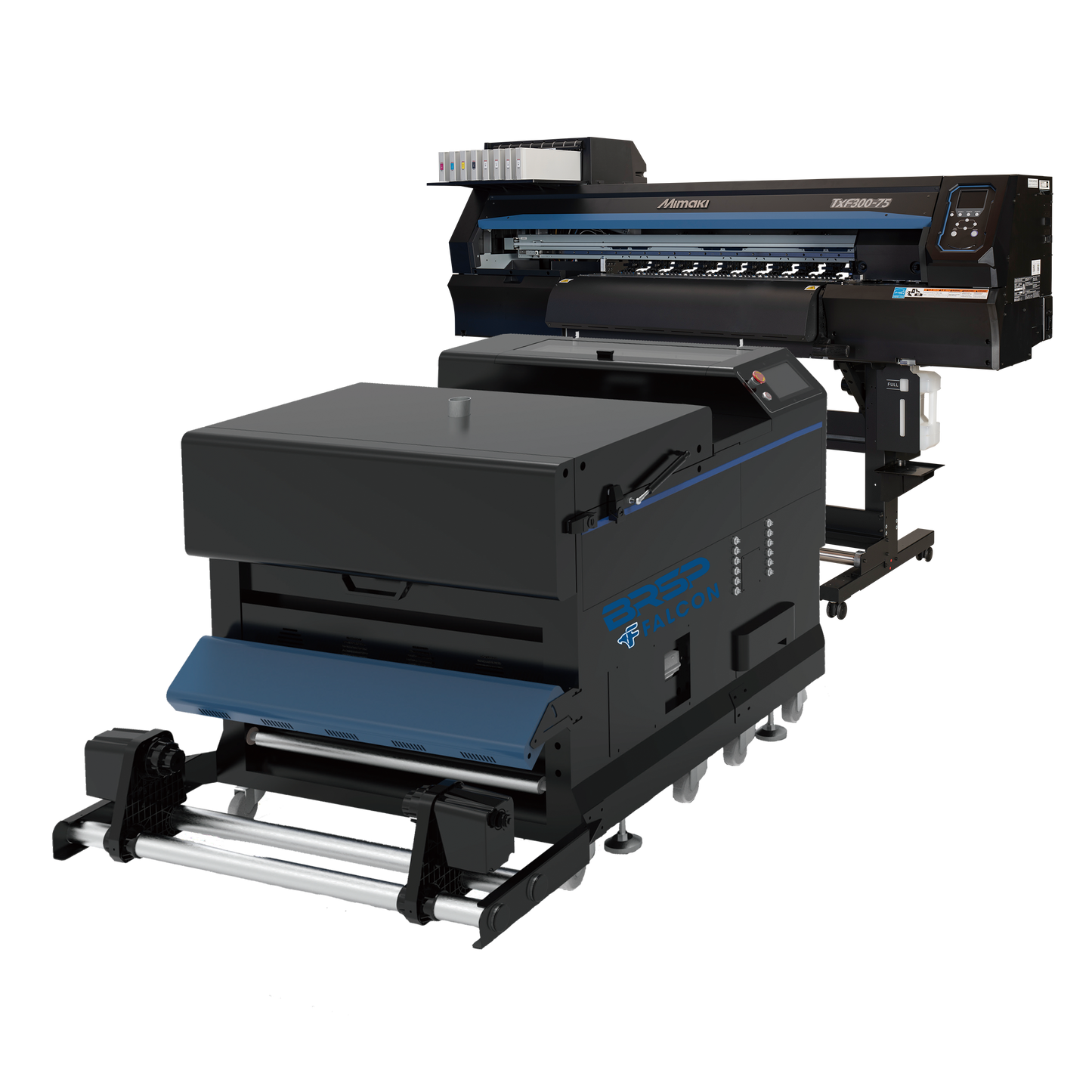
Mimaki TXF300-75 DTF Printer & 32" BRSP Falcon II Shaker Combo
Mimaki TXF300-75 DTF Printer & 32" BRSP Falcon II Shaker Combo
Couldn't load pickup availability
Maximize your DTF production potential with the Mimaki TxF300-75 & BRSP Falcon II Combo—a high-performance pairing designed for serious print shops that demand speed, consistency, and quality. Exclusively offered by the experts at Blue Ridge Screen Products, this premium combo brings together one of the most trusted DTF printers on the market with a next-gen powder shaker to create a seamless, high-output DTF printing workflow. From print to cure, every detail is engineered for industrial-level results with the reliability and support Blue Ridge is known for.
Key Benefits:
- Mimaki TxF300-75 High-Speed Printing: Print vibrant, detailed transfers with Mimaki’s industrial DTF printer, featuring NCU/NRS nozzle tech, white ink circulation (MCTv2), and degassed inks for maximum uptime and stability.
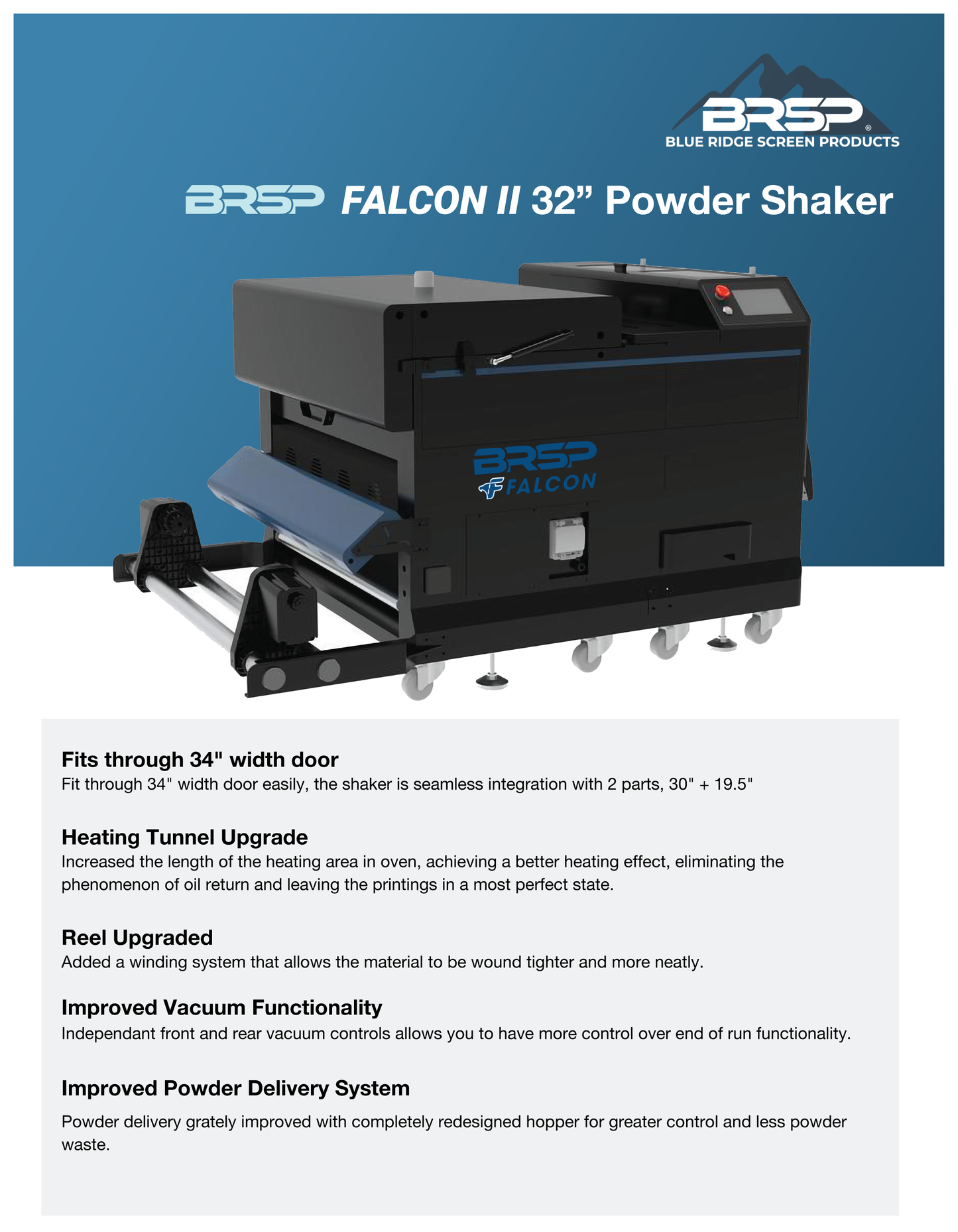
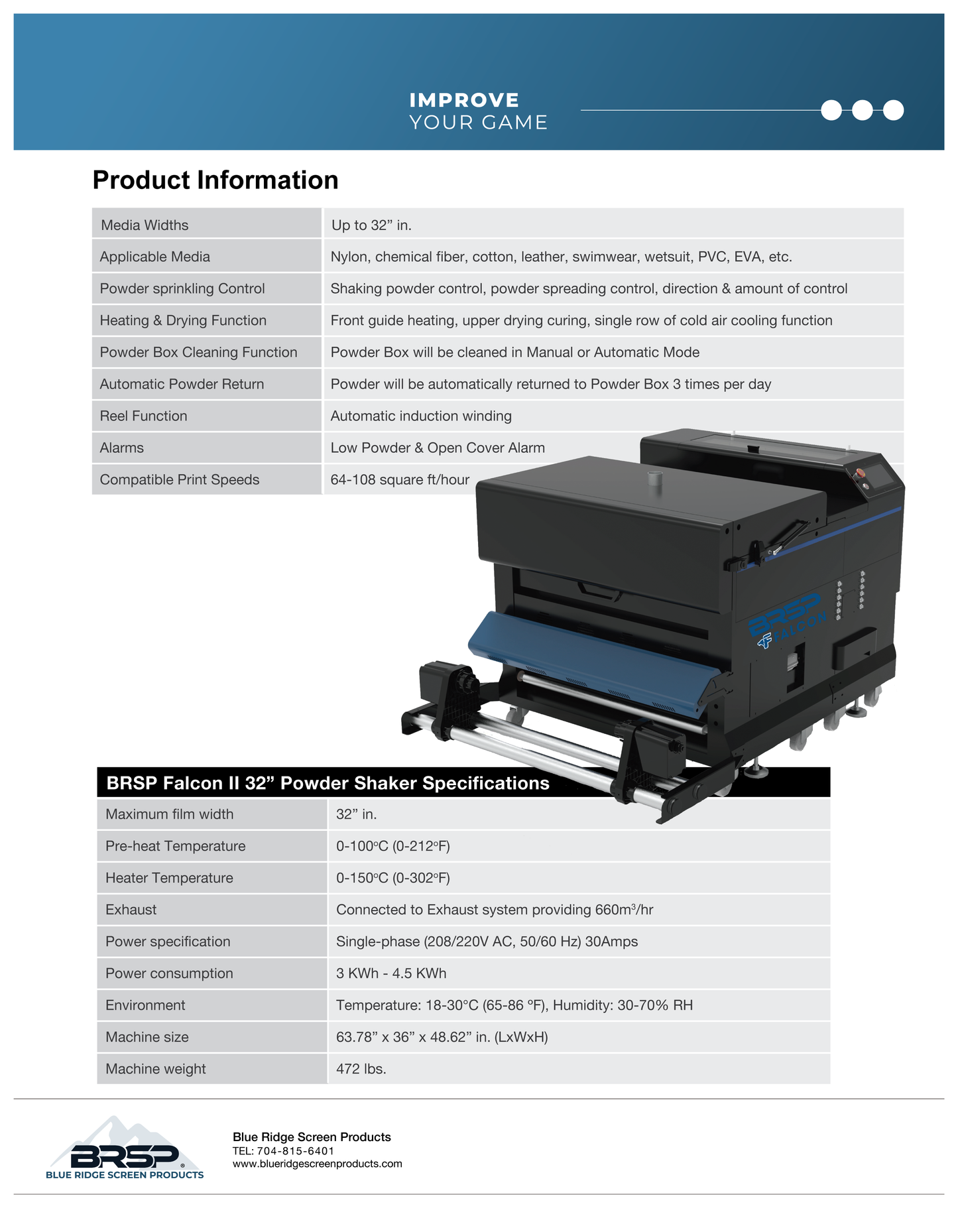
- BRSP Falcon II 32” Powder Shaker: Automates powder application and curing with extended heating, improved vacuum control, and a new reel system for smoother film handling.
- Turnkey DTF Printing Workflow: Designed to work in sync—simply connect, load your film, and let the system run with minimal manual intervention.
- Space-Saving, Shop-Ready Design: Falcon II fits through 32” doorways and includes safety alarms, making it perfect for smaller shops scaling up to full production.
- Supported by Blue Ridge Expertise: Backed by industry-leading support, setup assistance, and ongoing service from one of the most trusted names in screen and DTF printing equipment.
This DTF printer and shaker combo is ideal for high-volume apparel decorators, custom print shops, and growing businesses ready to take DTF production to the next level. Whether you're upgrading from desktop systems or launching a professional-grade production line, the Mimaki TxF300-75 & BRSP Falcon II Combo gives you the speed, consistency, and expert-backed support you need. Just print, cure, and press—Blue Ridge Screen Products makes the rest easy.

Included with the Mimaki TxF300-75 Printer/Dryer package:
- Two day Local onsite setup and training
- Inks, powder, and film to get started
- 1-Year Complete Coverage Warranty* - Includes printheads and onsite support if needed. *Head strikes are not covered under warranty. See Mimaki Warranty for details
- Dryer - 1-Year warranty. Tech travel expenses are not included.
**Package does not include shipping, CADLink Software, or Fume Extractor.


Maintenance tips
Cap Head, Wiper, and Sponge Pad Replacement
White Damper Replacement
-
Need Assistance with Mimaki Products?
Our team is committed to your success and satisfaction. We are passionate about helping the printing community through knowledge, education, and service. Need additional information on our products, contact us today and we will be happy to assist!